Cloud storage makes it easy to work from anywhere and share files with clients. But many small businesses assume that because files are "in the cloud" they are backed up. That is not always true.
Sync is not backup
Sync services such as Google Drive, OneDrive and Dropbox mirror your files across devices. If a file is deleted, overwritten or encrypted by ransomware on one device, that change can sync everywhere. Version history and recycle bins help, but usually only for a limited period.
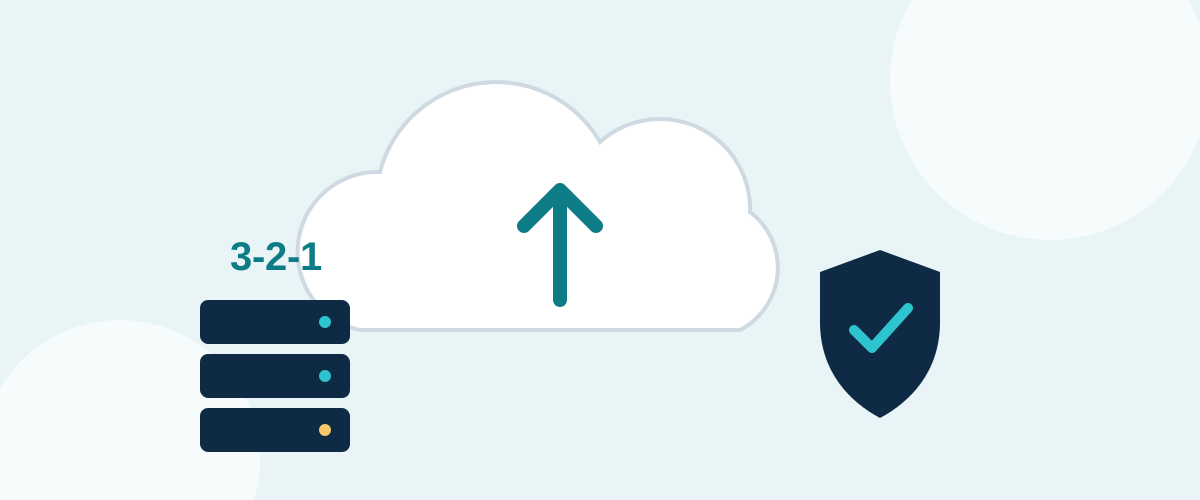
Follow the 3-2-1 rule
- 3 copies of important data,
- on 2 different types of storage,
- with 1 copy kept off-site or with a separate provider.
For most small businesses this means: your working files in a cloud storage service, plus a separate backup service (or an encrypted external drive rotated off-site).
What to check
| Feature | What to look for |
|---|---|
| Version history | How many days or versions are kept, and on which plan. |
| Sharing controls | Expiring links, password-protected links, view-only access. |
| Two-factor authentication | Should be available and enforced for all users. |
| Data location | UK or EEA hosting options, and a data processing agreement. |
| Admin controls | Ability to remove access when someone leaves the business. |
UK GDPR basics
If you store customer or employee personal data, you are responsible for keeping it secure. Use strong passwords and two-factor authentication, give staff access only to the folders they need, and remove access promptly when people leave. The Information Commissioner's Office (ICO) publishes practical guidance for small businesses.
See storage and backup options in our directory.