A CRM (customer relationship management) system is simply a shared place to store every contact, conversation and deal. For a small business it replaces scattered spreadsheets, sticky notes and inbox searches.
Signs you need a CRM
- Leads are forgotten because nobody followed up.
- You search your inbox to remember what a customer said last time.
- More than one person talks to the same customers.
- You cannot easily answer "how much work is in the pipeline this month?"
Must-have features for a small team
- Contact and company records with notes and history.
- Email integration with Gmail or Outlook so conversations are logged automatically.
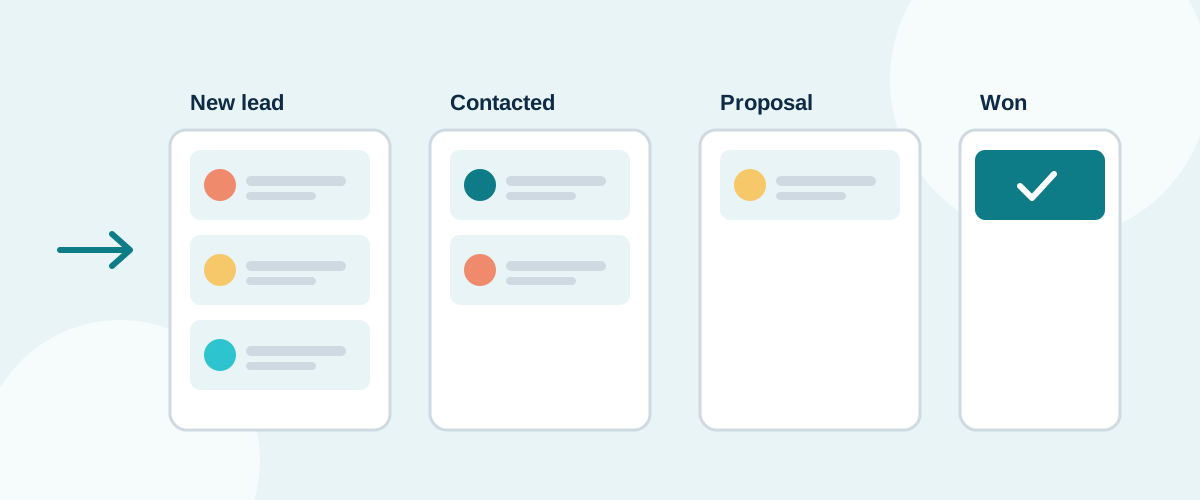
- A visual sales pipeline showing each deal's stage.
- Tasks and reminders for follow-ups.
- A good mobile app if you work on the road.
Nice-to-have features
- Web forms that create leads automatically.
- Quotes and simple e-signature.
- Integration with your accounting software.
- Basic email marketing.
Data protection
A CRM holds personal data, so UK GDPR applies. Check where data is hosted, whether the provider offers a data processing agreement, and how you can export or delete a person's data on request. Only add marketing contacts who have a lawful basis for being contacted.
Rolling it out
- Decide your pipeline stages before importing anything.
- Clean your spreadsheet: remove duplicates and old contacts.
- Import, then connect email and calendar.
- Agree one simple rule: every new lead goes into the CRM the same day.
Compare options in the CRM section of our directory. Most offer a free plan or trial, so test with real leads for two weeks before paying.